

Download Windows 8 Transformation Pack – Free Metro‑Style Theme for XP, Vista & Windows 7
Overview – Give Your Legacy PC a Modern Makeover
Windows 8 Transformation Pack is a free theme suite that brings the sleek Metro aesthetic of Microsoft’s Windows 8 operating system to older platforms such as Windows XP, Windows Vista and Windows 7. The package replaces classic icons, cursors, wallpapers, system sounds and even the start menu with high‑definition assets that mimic the Modern UI. It also adds a collection of “tiles” that act like mini‑apps – Calendar, Clock, Gmail, Twitter, Facebook, Internet Explorer, Music, Photo Gallery and more – providing a taste of the tile‑driven experience without upgrading the underlying OS.
Because it is distributed as a standalone installer, the transformation is completely reversible: you can switch back to the original look with a single click if you change your mind. The tool is ideal for users who love the visual polish of Windows 8 but are tied to legacy hardware or software that cannot run the newer OS. All components are bundled in a lightweight installer that runs on 32‑bit and 64‑bit systems, and the developer regularly releases updates to keep the theme in step with Windows 8 refinements.
Features & Built‑In Modern Apps
- Complete Metro‑style visual overhaul – new start screen, live tiles, flat icons and high‑resolution wallpapers.
- Custom cursor set that matches the Windows 8 pointer design.
- System sounds replaced with the familiar Windows 8 chimes and alerts.
- Tile Store – a small control panel where users can enable or disable individual Metro‑style apps.
- Pre‑installed Mini‑Apps: Clock, Calendar, Gmail, Hotmail, Twitter, Facebook, Internet Explorer, Music player and Photo Gallery.
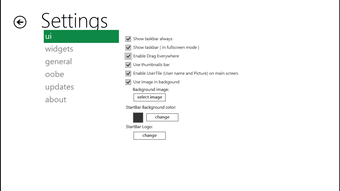
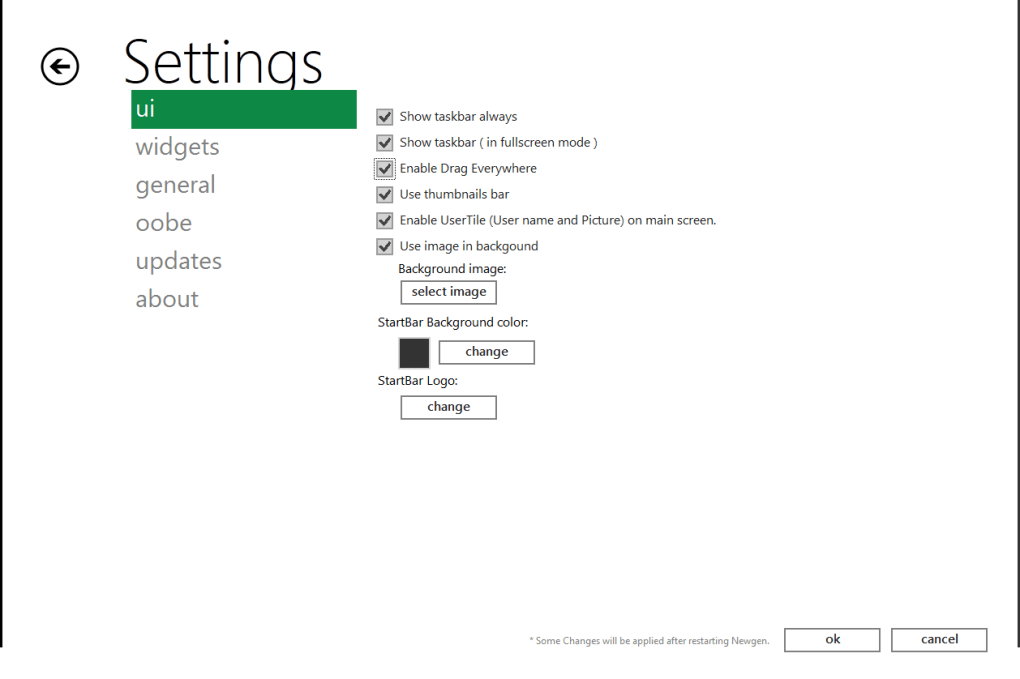
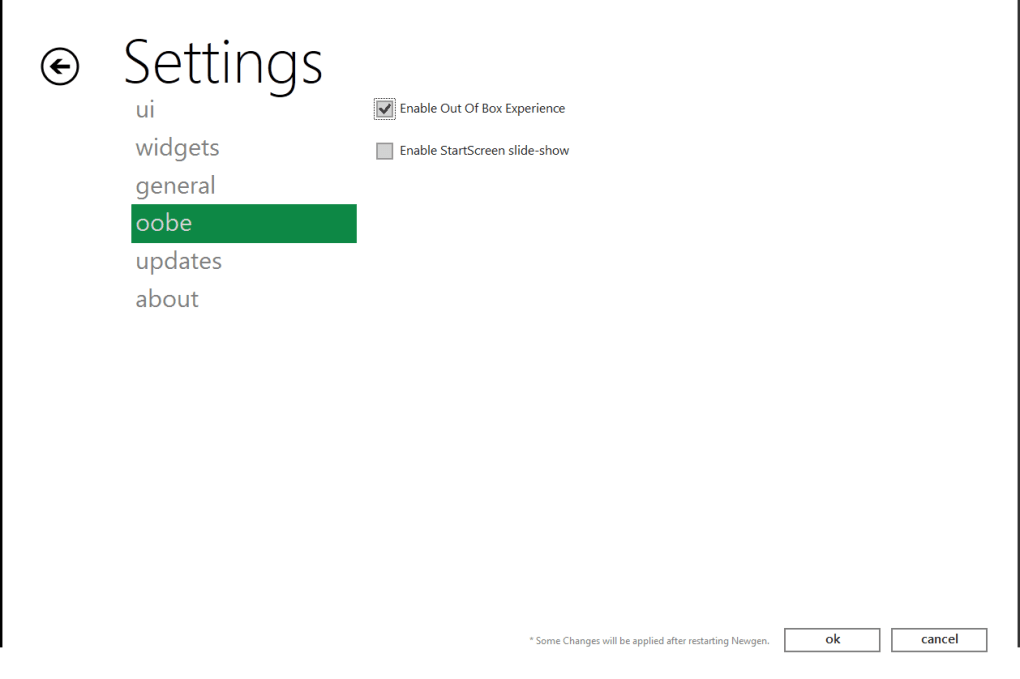
- Wizard‑driven configuration allowing granular control over each visual element (themes, icons, sounds, cursors).
- Automatic backup of original system files, ensuring a safe rollback path.
- Support for both 32‑bit and 64‑bit versions of Windows XP, Vista and Windows 7.
- Lightweight footprint – the entire pack is under 150 MB and installs in under five minutes.
- Regular free updates that add new tiles, tweak UI animations and improve compatibility with newer Windows 8 releases.
Installation, Configuration & Compatibility
Step‑by‑Step Installation Guide
1. Download the installer from the official site – the file is named Win8TransformPack.exe and is digitally signed for security.
2. Run the executable as Administrator.
Right‑click the file and choose “Run as administrator” to allow the installer to modify system files.
3. Accept the license agreement and click “Next”. The wizard will automatically create a restore point and back up your current theme files.
4.
Select the components you want. The wizard presents check‑boxes for each visual element – you can install the full suite or pick only the start screen and icons.
5. Start the installation.
The process copies new assets to the Windows system folders and registers the Tile Store service.
6. Reboot your computer. After the restart, the Metro‑style start screen appears, and the Tile Store icon lands on the desktop for quick access.
Configuring Individual Elements
Once installed, launch the Tile Store from the desktop. Here you can toggle each mini‑app, change the wallpaper, adjust sound schemes, or revert any element to its original Windows version. Advanced users can open the hidden Win8TransformConfig.ini file to manually edit tile sizes, animation speeds, or even add custom shortcuts.
Operating System Compatibility
Windows 8 Transformation Pack officially supports the following platforms:
- Windows XP SP3 (both 32‑bit and 64‑bit)
- Windows Vista SP2 (32‑bit and 64‑bit)
- Windows 7 Service Pack 1 (32‑bit and 64‑bit)
Pros, Cons & Frequently Asked Questions
Pros
- Free and lightweight – no hidden fees, and the installer is under 150 MB.
- Reversible – one‑click rollback restores the original Windows theme.
- Highly customizable – wizard lets you enable only the parts you like.
- Adds functional tiles – quick access to email, social media and media players.
- Regular updates – the developer pushes new tiles and bug fixes monthly.
Cons
- May cause minor visual glitches on older graphics drivers.
- Tile Store runs as a background service, which can slightly increase RAM usage.
- Not a full Windows 8 experience – core system features (e.g., Charms bar) are absent.
- Some third‑party apps may not respect the new icon set until refreshed.
- Requires administrator rights for installation, which can be a hurdle in corporate environments.
Frequently Asked Questions
Is Windows 8 Transformation Pack safe to install?
Yes. The package is digitally signed, and the installer creates a system restore point before making any changes. You can always revert to the original theme with a single click.
Will the pack affect my existing software or drivers?
The transformation only replaces visual assets (icons, cursors, sounds) and adds a lightweight Tile Store service. It does not modify core system files, so most applications and drivers remain untouched.
Can I use the pack on a 64‑bit Windows XP machine?
Absolutely. Both 32‑bit and 64‑bit editions of Windows XP, Vista and Windows 7 are supported.
Do I need an internet connection after installation?
No. All visual assets and mini‑apps are bundled with the installer. An internet connection is only required if you want to download future updates or additional custom tiles.
How do I remove the Transformation Pack?
Open the Tile Store, click “Restore Original Theme”, or run the uninstaller from the Control Panel. The program will automatically restore the backed‑up assets.
Conclusion – Bring the Metro Feel to Your Legacy PC Today
If you’ve been longing for the clean, tile‑centric look of Windows 8 but can’t afford—or don’t want—to upgrade your hardware, Windows 8 Transformation Pack offers a polished, free solution that works on Windows XP, Vista and Windows 7. The pack delivers a comprehensive visual refresh, functional mini‑apps, and a reversible installation process that keeps your system safe. With regular updates and a simple wizard‑driven setup, you can enjoy the modern aesthetic without sacrificing stability. Download Windows 8 Transformation Pack now, follow the quick installation steps, and give your older PC a fresh, contemporary look in minutes.
Pros: Free, highly customizable, reversible, adds useful tiles.
Cons: Minor glitches on very old drivers, slight RAM overhead.







